
One workspace where your whole company works with AI.
Business OS is the central AI workspace for your organisation. One place where people work with shared knowledge, smart AI assistants and secure access to company information. Not a scattering of separate AI tools, but one workspace where teams work smarter together.
From one skill to an entire company.
One thing a computer does well.
A skill with a name, a role and a memory.
Several colleagues handing work to one another.
Everything they collectively know about your company.
What keeps running while you sleep.
One AI workspace for every team.
Every department works differently. That is why each team gets its own AI assistants, workflows and tools, while everyone works from the same knowledge and standards.
Campaigns, content and analytics with AI
Lead scoring, outreach and CRM automation
Recruitment, onboarding and talent AI
Forecasting, reporting and invoicing AI
Process optimisation and workflow AI
AI chatbots and ticket classification
Automation, security and support with AI
Product development and roadmap AI
Content strategy and technical SEO with AI
Why Business OS?
Most organisations use AI in a fragmented way.
One person works with ChatGPT. Another uses Claude. Knowledge stays spread across separate chats, prompts and documents. Results are hard to repeat and collaboration falls behind.
Business OS brings everything together in one central environment. That way every person works with the right context, the right tools and the right access, while each team keeps its own expertise.
How we build your Business OS
We work from the inside out. Each layer builds on the one before it. We only automate once the foundation is in place, and we do it on purpose.
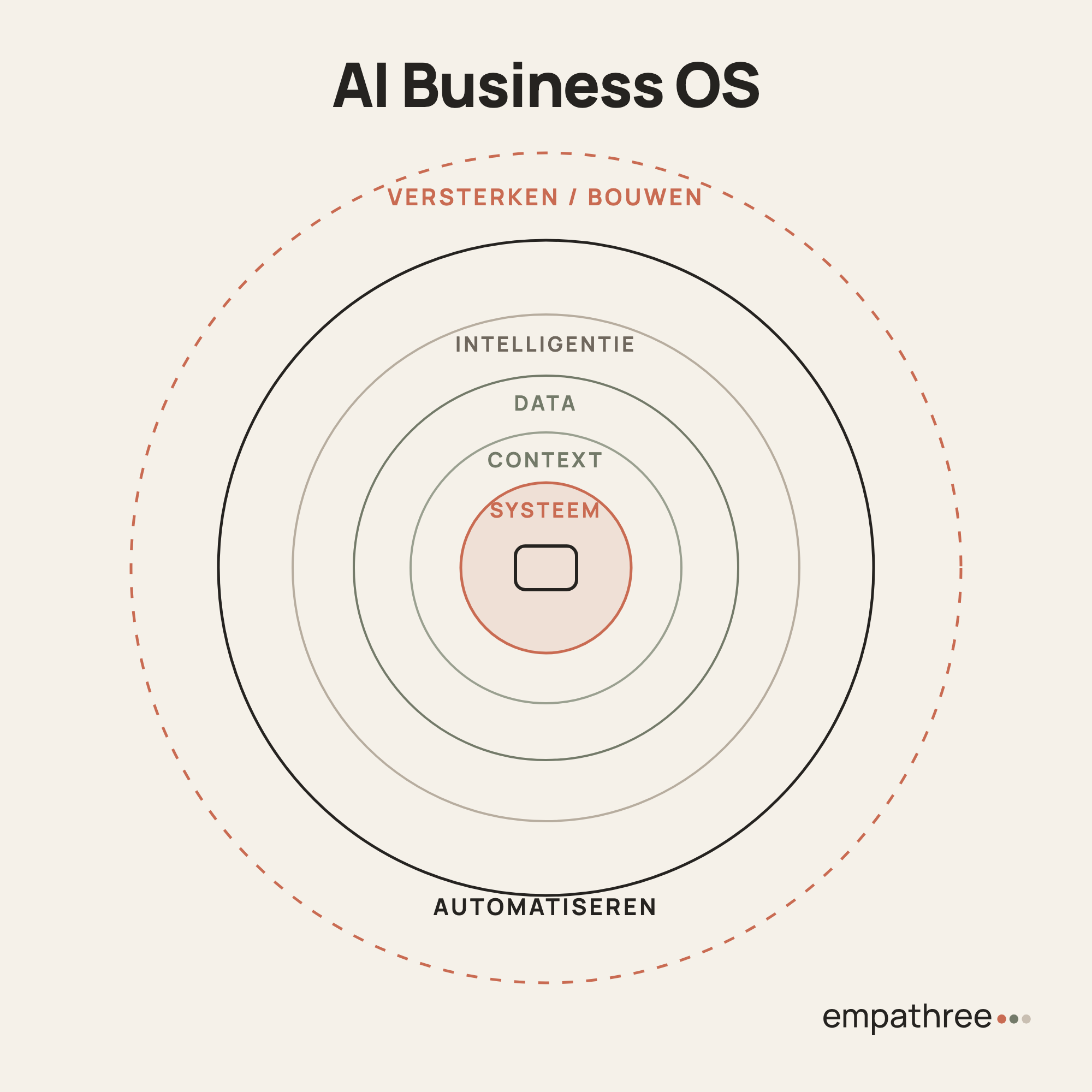
- 01System
Who does what? Which roles, which responsibilities, which departments? If you don't have that clear, neither does the AI.
- 02Context
We capture how you do things. SOPs, ways of working, company knowledge. So the whole team shares the same AI context, not only the founder.
- 03Data
We connect your data sources. Sales sees the pipeline, Finance sees cash flow, Marketing sees campaign performance. The AI runs cross-department analyses that would normally take a two-hour meeting.
- 04Intelligence
Meetings are recorded and summarised automatically to the right channel, Slack for example. Every morning the founder gets a helicopter view, the team lead gets department focus and each employee gets their own tasks.
- 05Automate
Only now. A task audit per employee: which tasks cost the most time? We prioritise on hours x frequency x complexity and start with the top five.
- 06Reinforce
We put the freed-up capacity towards growth. Employees who used to be 80% execution now help think about improvements.
You control all of it from Claude.
Your entire Business OS, from your CRM to your integrations, data and automations, you operate with a plain conversation in Claude. You ask, and it happens.
That is the essence of the Business OS.
Built for the way your organisation works.
Business OS adapts to your organisation, not the other way round. From shared knowledge to department-specific workflows: everything is designed to make AI secure, scalable and genuinely practical.
Every person works from the same knowledge base, documents and company context. That way knowledge does not get stuck in separate chats or with individual colleagues.
Marketing, HR, Sales and other teams each have their own AI assistants, skills and workflows, tuned to their day-to-day work.
Every AI assistant understands your organisation. Conversations build on company knowledge, earlier interactions and relevant documents, so answers become ever more relevant.
Not everyone needs to see everything. Roles and permissions automatically determine which information, tools and AI features are available.
Connect Business OS to your existing systems, such as CRM, ERP, SharePoint, Google Workspace or other business software. That way AI works directly with up-to-date company data.
New AI models, integrations and features are added on an ongoing basis, so your organisation always benefits from the latest possibilities.
More than software.
Business OS is not just a piece of software.
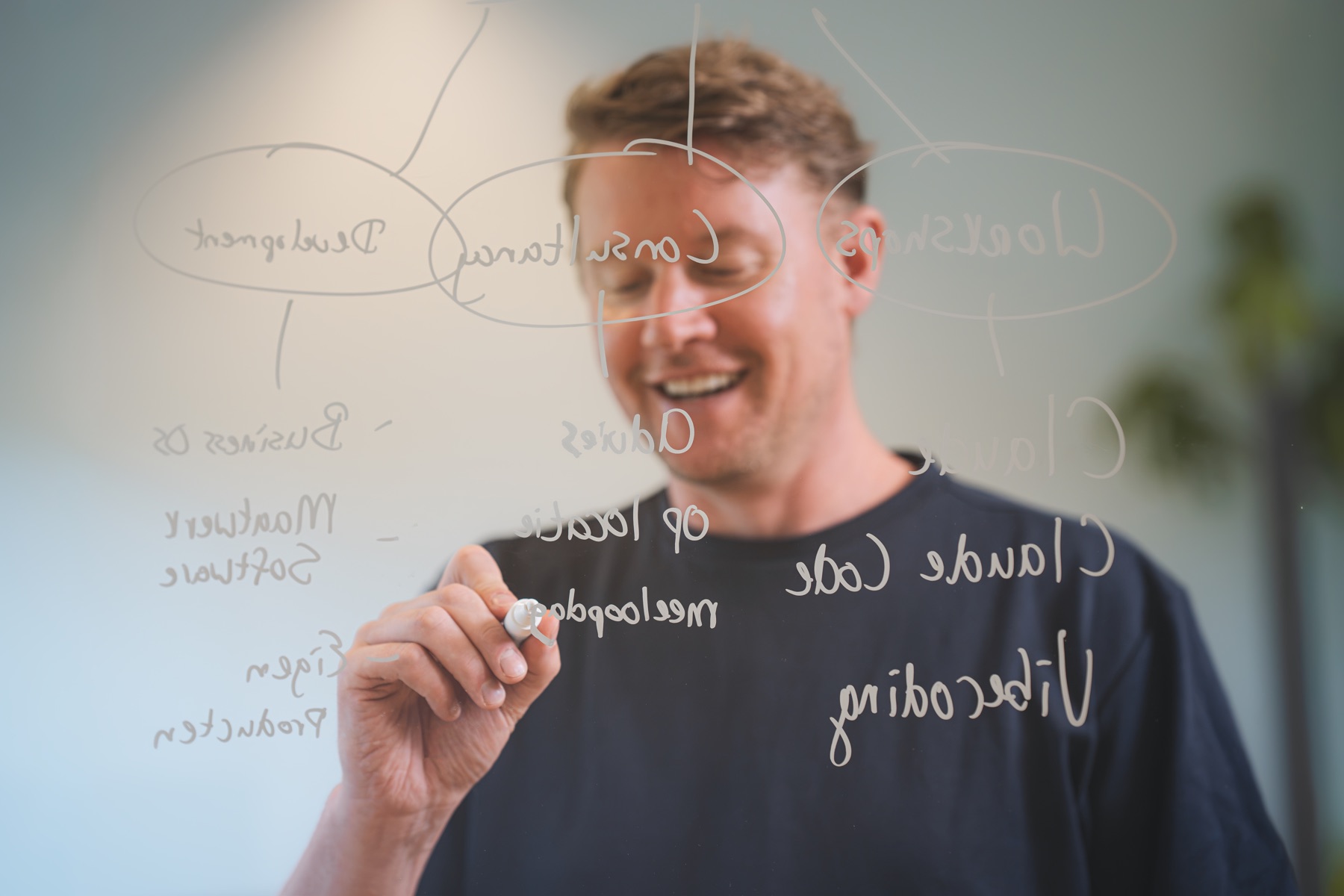
It is the foundation on which your organisation learns, uses and develops AI further. That is why we combine the workspace with workshops, consultancy and guidance, so that AI is not only implemented, but genuinely becomes part of the daily way of working.
What participants say.
Entrepreneurs who built their own Business OS with Marc during the Claude Challenge.
In a world full of Claude bros, Marc is a breath of fresh air, because he knows what he is talking about. Since the age of 14 he has been finding ways to do more in less time. And over recent years he has focused on automation and bespoke software for agencies and SMEs.
Within 6 weeks he taught us during the Claude Challenge how to build your own Business OS. Before that I typed out a wall of text in the chat window every single time to give the right context. Now Claude knows at any moment where I stand with my business.
The structure of the challenge was logical, the explanatory videos were clear and the Q&As were pleasantly illuminating.
Even as a critical follower of AI developments, I discovered a few great use cases. For example, I now have a prep for my coaching calls within 1 minute, thanks to Claude's connections with Drive, Fathom and Trello. Thanks, Marc!
The challenge came at just the right moment for me. It really was time to automate more of my (repetitive) tasks.
Marc explained everything clearly in the videos, and there was plenty of depth during the live sessions, covering the possibilities of various integrations in detail among other things.
The first skills are already running on the tasks I find least interesting. It has given me more insight into how I can do this myself for even more routine tasks, so I can spend more time with my clients.
Ready to make your organisation AI-first?
Discover how Business OS helps your teams work smarter together with AI, without fragmentation or one-off experiments.